Connect your Steam account
Two ways to do it. Pick whichever you're comfortable with.
Sign in with Steam
Fastest — 10 secondsOfficial Steam login. We never see your password.
Verify without signing in
No password. Ever.Paste a code on your public Steam profile. We read it. Done.
We're sending you to steamcommunity.com
- ✓ You type your password on Steam's website, never on ours. We never see it.
- ✓ We receive only: your SteamID, nickname, avatar and public profile data.
- ✗ We cannot log into your account.
- ✗ We cannot see, trade or sell your items.
- ✗ We cannot change anything or add friends.
- ✗ We will never ask for your Steam password, Steam Guard code, or API key.
You can unlink at any time in Settings.
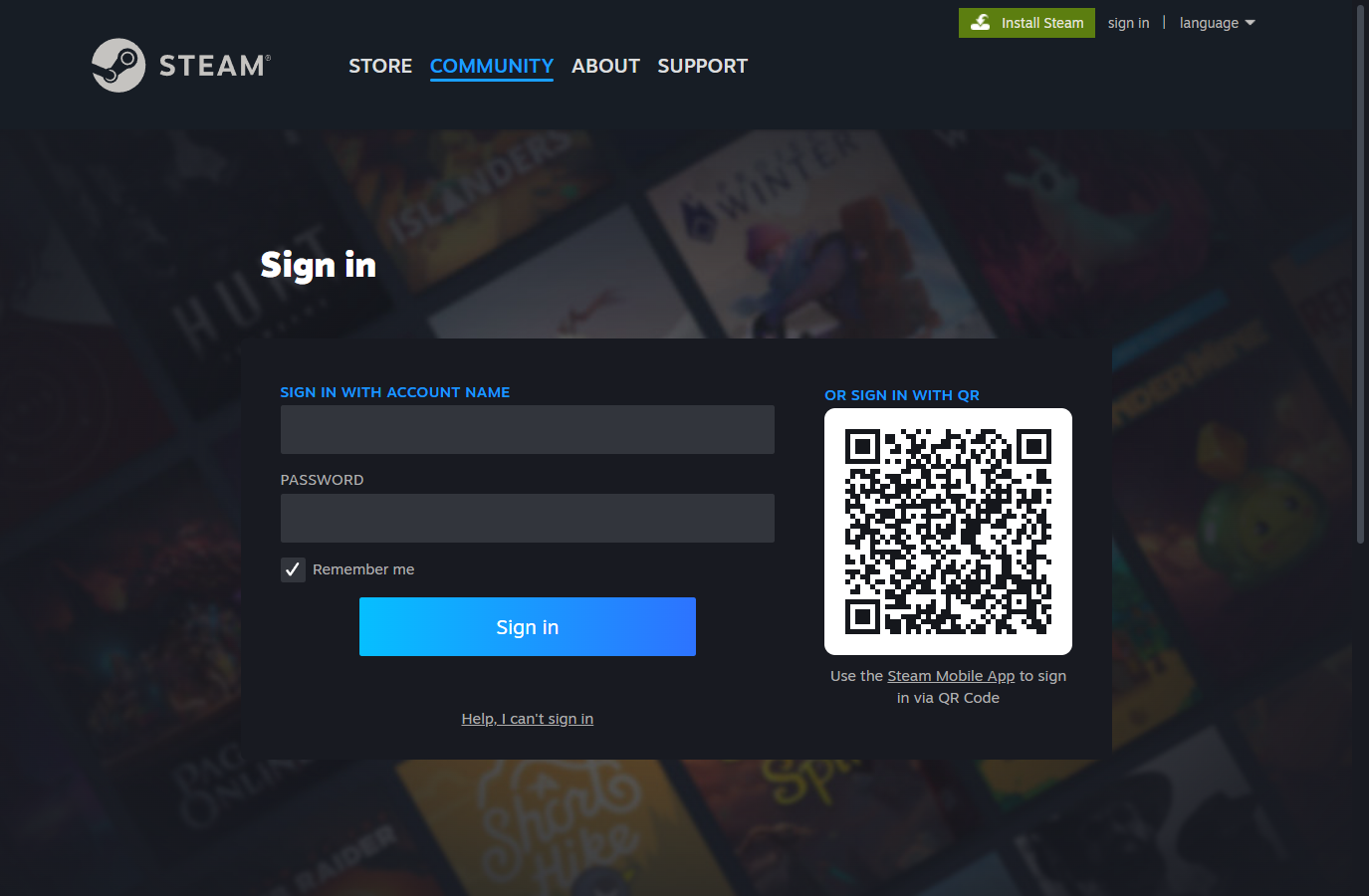
Check that it says steamcommunity.com and has the padlock. If it doesn't — close it. That's true for every site, not just ours.
How does this work?
Steam uses OpenID 2.0, not OAuth. Unlike Google or Discord, Steam's OpenID has no permissions to grant — it only returns "this person is user X".
That's why the Steam page shows you no list of permissions to approve: there is nothing to approve. There is technically no way for this site to request access to your account.
More detail on what we store and what we never ask for: Trust & Safety.
Verify without signing in
No password, no login, no redirect. We'll give you a code, you put it on your public Steam profile, and we read it. That proves the account is yours.
You need to be signed in to ItsWipeTime before you can connect a Steam account to it.
Step 1 of 2 — Put this code on your profile
- Open Steam → click your name → Edit Profile
- Paste the code into the "Real Name" field
- Save, then come back here
Your profile needs to be public while we check. You can set it back to private straight after.
This code expires in 30 minutes.
✅ Verified — you're all set
You can remove the code from your Steam profile now.
That Steam account is already connected to another account here
If both accounts are yours, you can merge them — you'll keep the older account's reviews and history.
This cannot be undone. The newer account is closed and its email, password and Discord move to the older one. It leaves any group it is currently in, and both accounts are signed out everywhere.
Reviews and play history on the older account stay exactly as they are.
Steam is already connected
You can unlink at any time in Settings → Linked Accounts.